

Bot Features

Sales Tracking
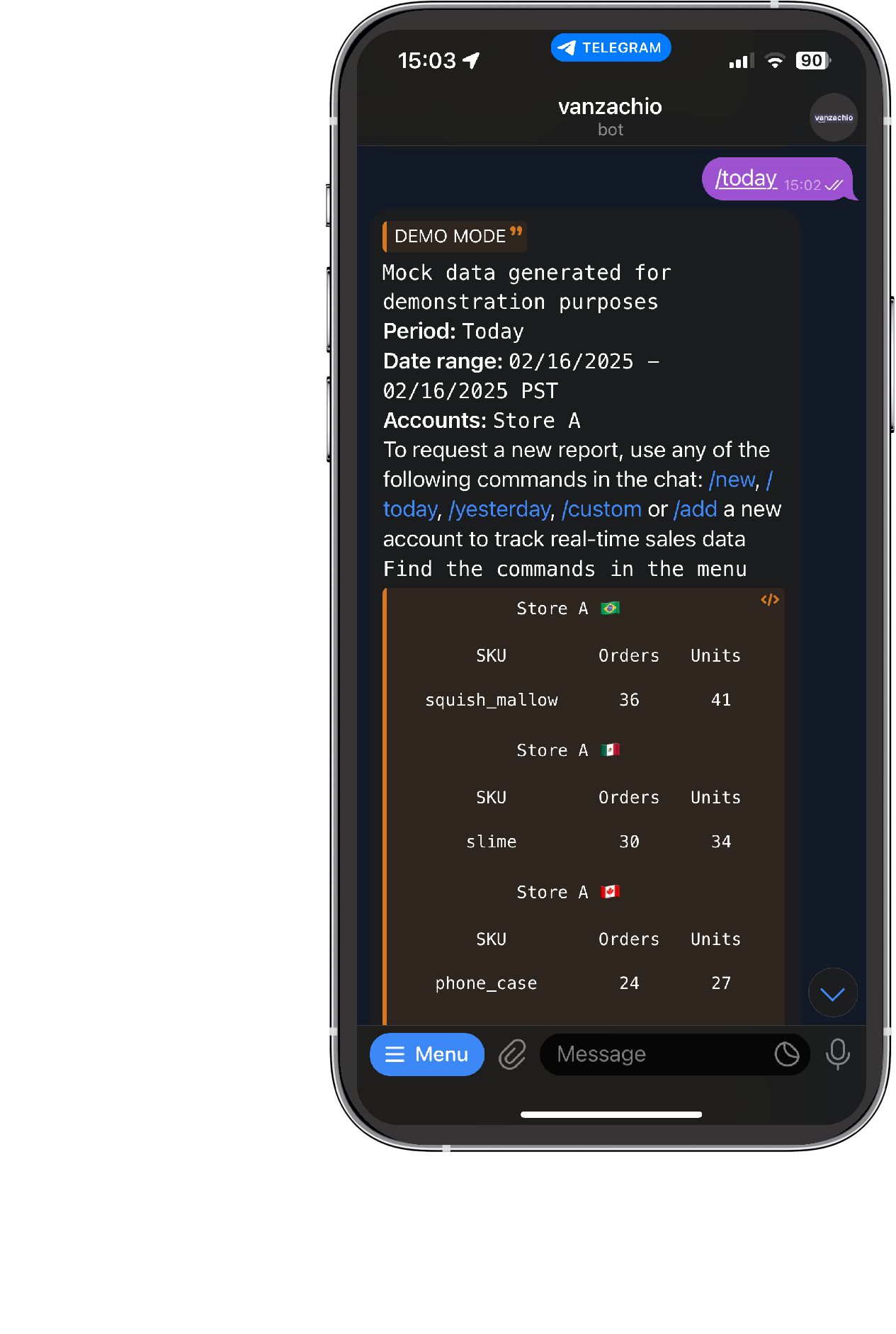
View the number of orders and units ordered for specific SKUs or ASINs within a selected period.

Custom Date Range
Select a custom time frame to analyze your sales performance.

Real-Time Data
Get up-to-date sales insights without logging into Amazon.

Simple & Fast Reports
Receive sales data in an easy-to-read format directly in Telegram.
How Does It Work?
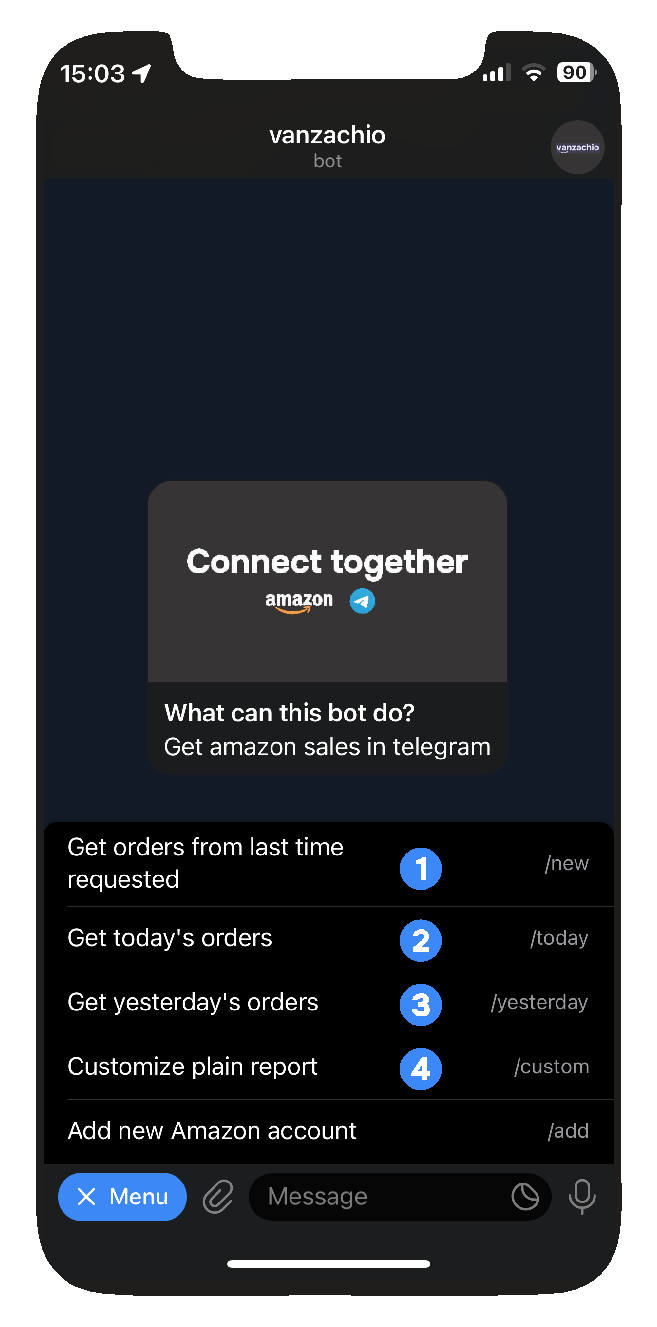
Step 1. Start the application
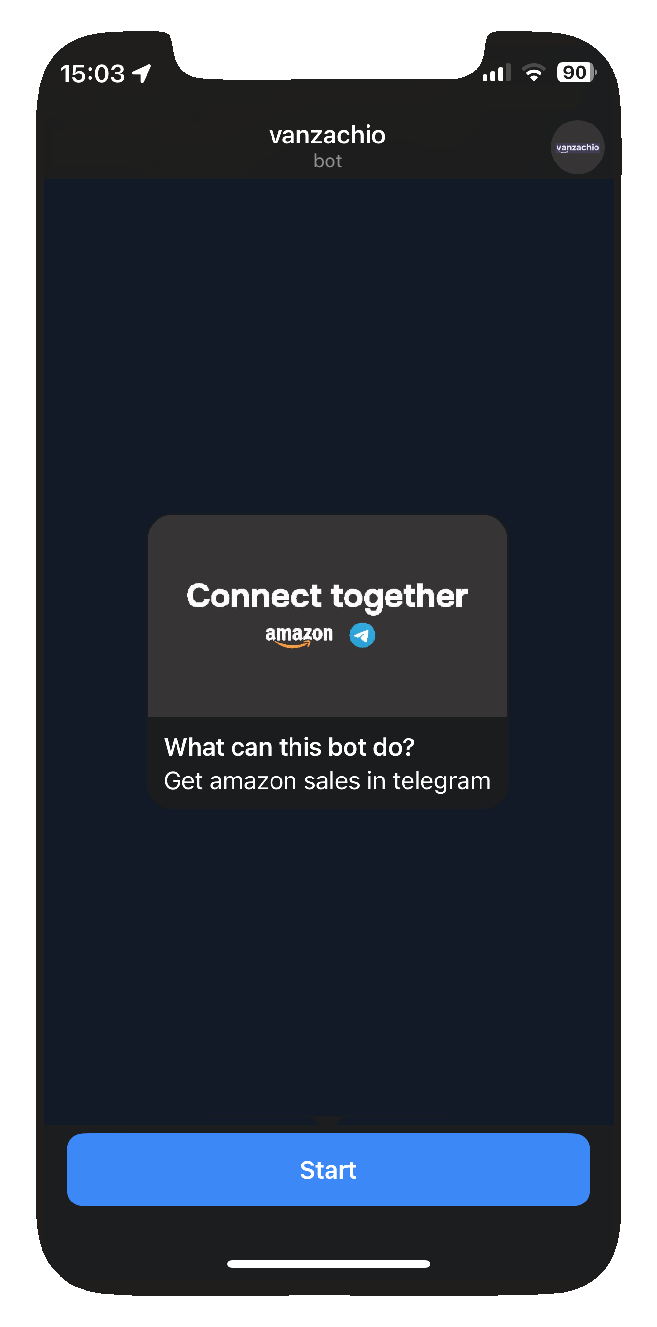
Access the bot and start the application.
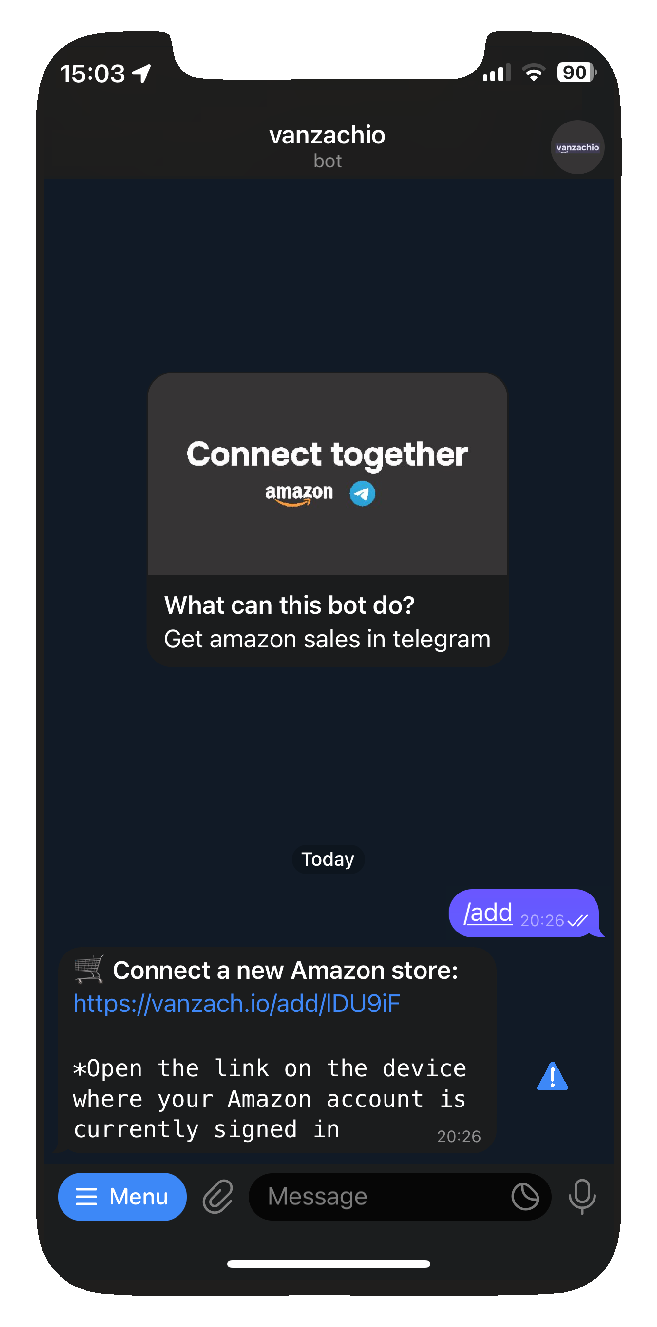
Step 2. Request a new link to connect Amazon account
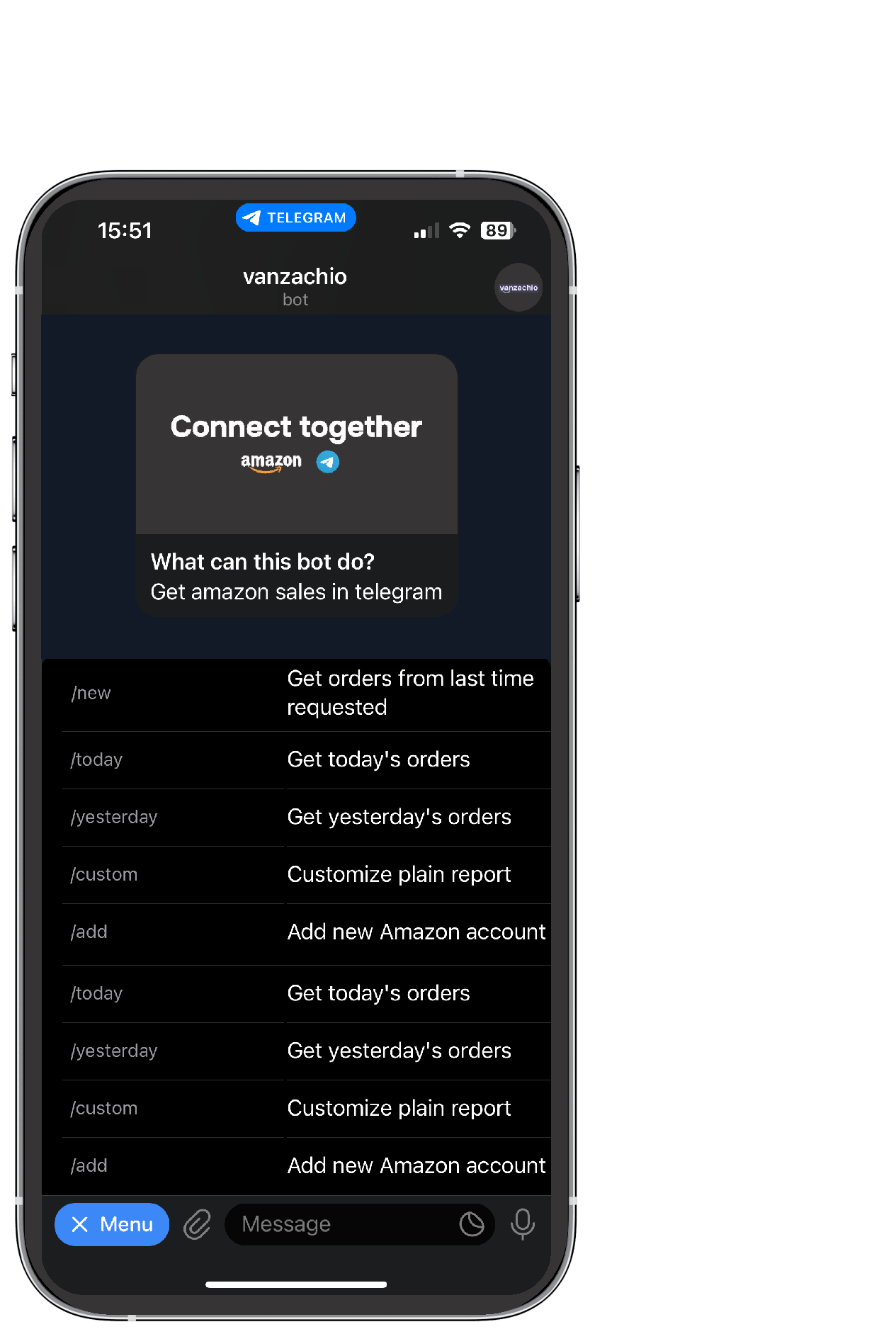
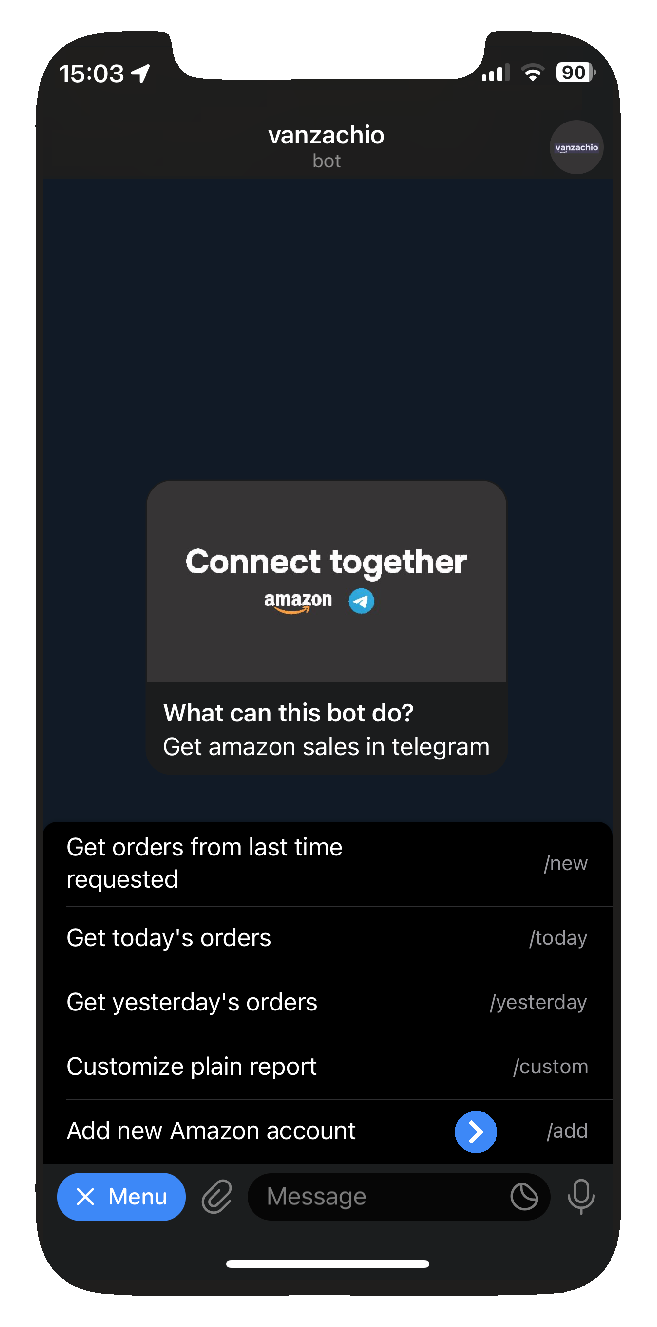
Write /add command or select it from menu to request a connection link.
Step 3. Authorize the app
Open the link on the device where your Amazon account is currently signed in and allow the app to access the data
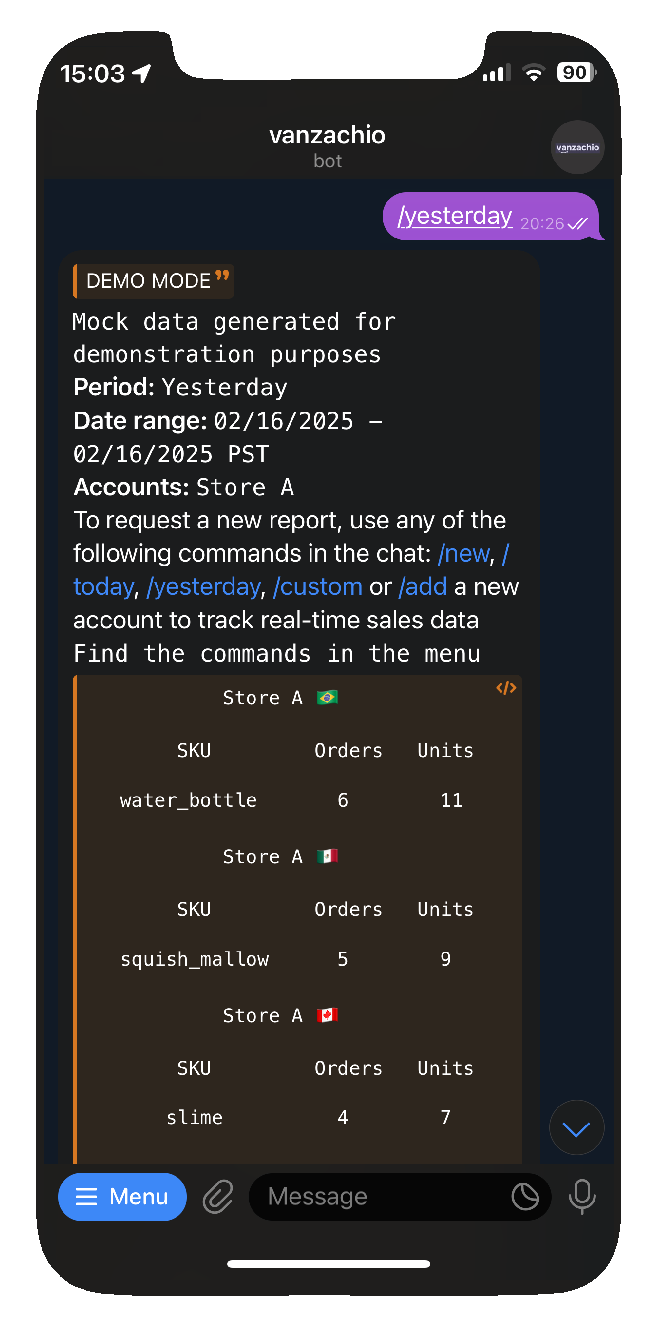
Step 4. Request a report
Send any of the menu commands to get report for desired period: /new, /today, /yesterday, /custom
Step 5. Receive request report
Receive every day your desired reports without logging into Amazon
Any questions?
Check out the FAQs
Still have unanswered questions and need to get in touch?
Still have questions?
Email usThe bot delivers real-time sales statistics from your Amazon Seller Central account directly to your Telegram app. Instantly access sales information, including:
ASIN/SKU details Number of orders Units countStay updated on your sales performance without the need to log in to Seller Central.
Currently, the bot supports the North America region, which includes the following marketplaces:
Stay tuned for updates as we plan to expand support to additional regions in the future.
For the moment, the bot is completely free as it is an MVP (Minimum Viable Product) currently in the testing phase.
We welcome your feedback to help improve the bot
To connect a new Amazon Seller Central account, simply:
- Send the command /add in the bot.
- You will receive a unique link—make sure to open it on the device where you are logged in to your Amazon account.
- Follow the link to authorize your Amazon account to the bot.
